
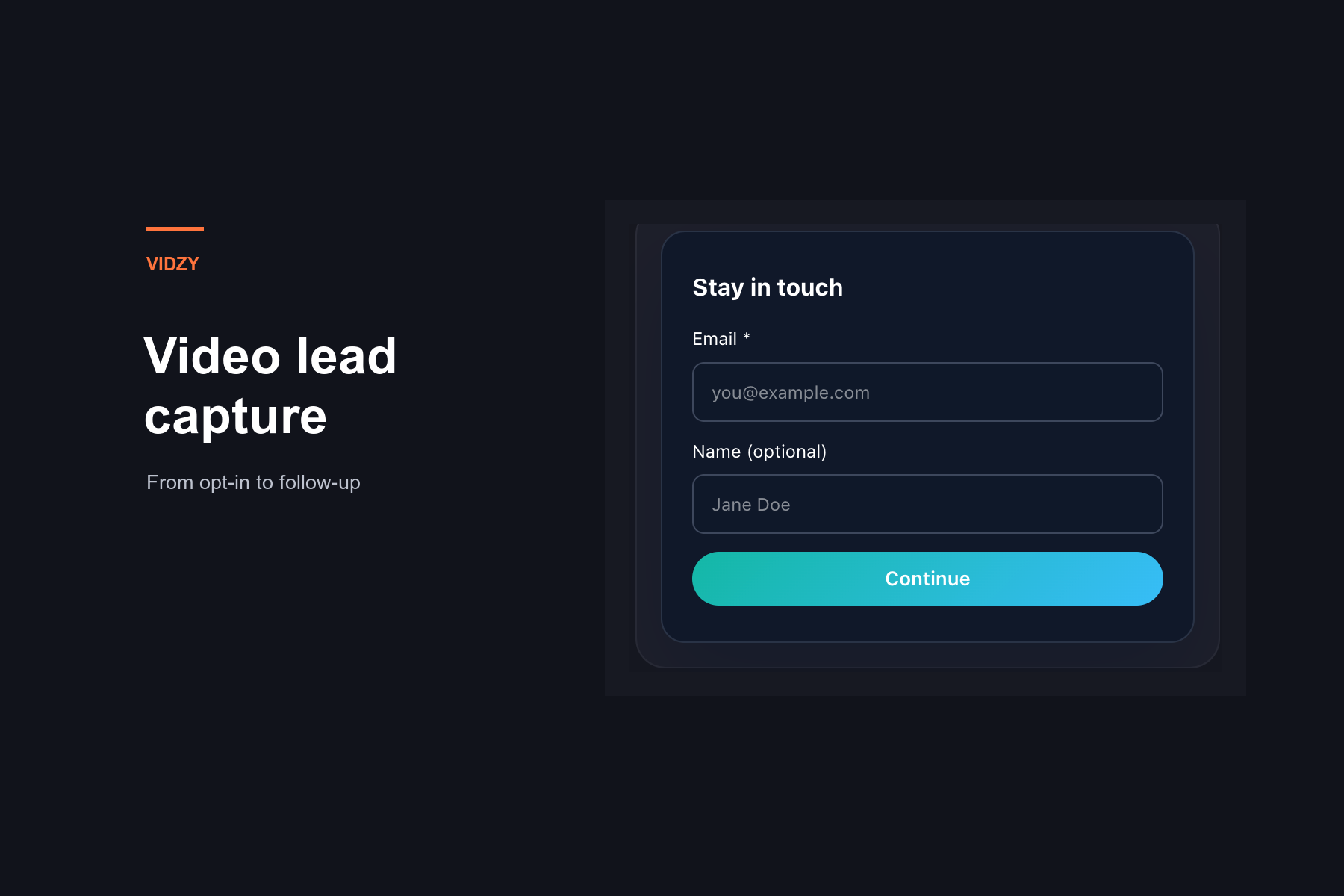
A viewer submits an email while watching your video. Who checks that it was captured, what does the viewer receive next, and who handles that next step? A lead-capture plan should answer all three questions before the campaign starts.
Vidzy supports timed email opt-ins, required or optional lead gates, opt-in tracking and CSV export. Its Leads dashboard lets you review, search and filter captured leads. Those capabilities give you a way to collect and review contact information around the viewing experience. Your team still needs to connect that action with the offer you made.
This guide focuses on that practical workflow: define the handoff, test the capture path, review the exported information and deliver the promised next step. It assumes you have already decided that email capture fits the video.
What Vidzy contributes to video lead capture
As an embeddable, conversion-focused video player, Vidzy brings lead capture into the video experience. These capabilities matter here:
- Timed email opt-ins: an email-capture mechanism tied to the viewing timeline.
- Lead gates: require email to continue or let viewers skip an optional request.
- Lead-form fields: support for name, phone and a custom field alongside email capture.
- The Leads dashboard: view captured leads, search for a contact and narrow the list with filters.
- Opt-in tracking: a way to track opt-in activity.
- CSV export: export filtered leads or all records.
Keep the product capability and the team’s process distinct. Exporting an email address does not, by itself, fulfill a resource request or answer a prospect’s question. Plan those downstream tasks separately instead of assuming that capture completes the job.
Write the capture-to-follow-up plan first
Start with a short campaign note outside the player. Record the video, its audience, the offer, the next action and the person responsible for that action. Be specific enough that another teammate could take over without reconstructing the campaign.
For a hypothetical workshop on planning a product launch, the note might read:
- Video: a workshop showing how to organize a launch checklist.
- Offer: receive the editable checklist used in the workshop.
- Next action: the campaign owner sends the requested checklist through the team’s separately managed delivery process.
- Completion check: verify that the resource is accessible and matches the workshop example.
This is an illustrative campaign plan, not a customer story or a description of automatic delivery in Vidzy. Its purpose is to make the work after capture explicit.
Avoid a vague task such as “follow up with leads.” It leaves the recipient, message and owner undefined. “Send the requested checklist” is a task someone can complete and check.
Configure the lead request around that plan
Vidzy’s lead forms support name, phone and a custom field. Decide what information the immediate handoff needs before using those options. For the workshop checklist example, establish whether anything beyond an email is needed to fulfill the request; don’t collect extra details simply because a field is available.
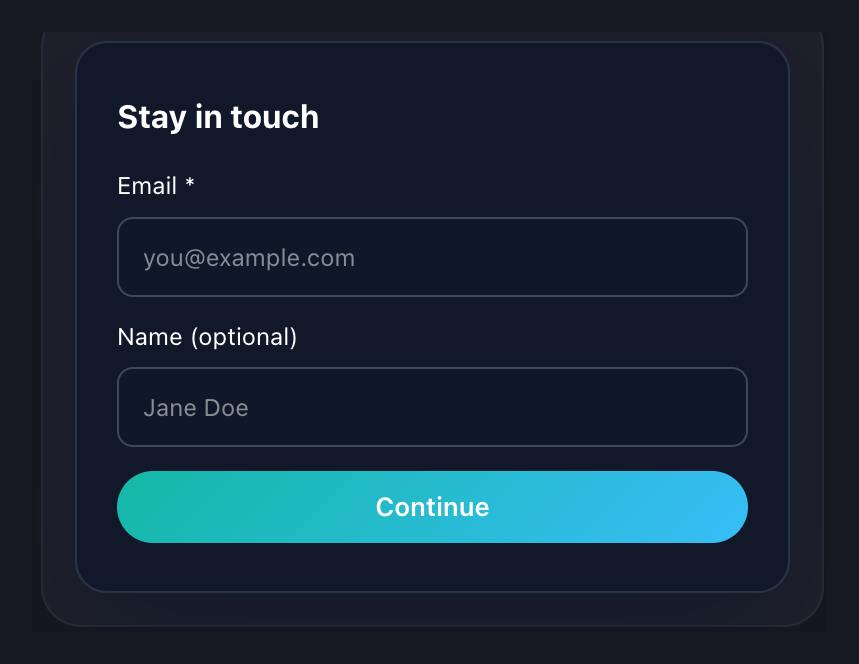
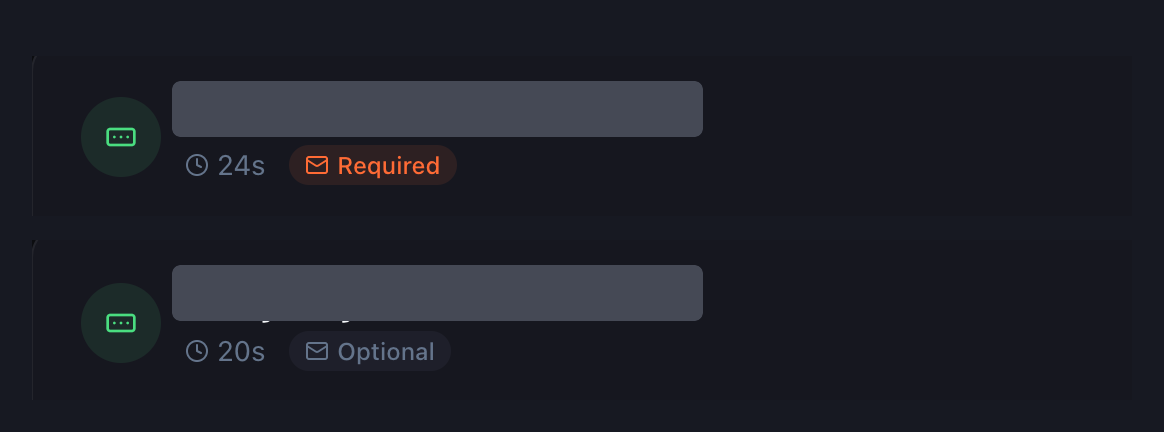
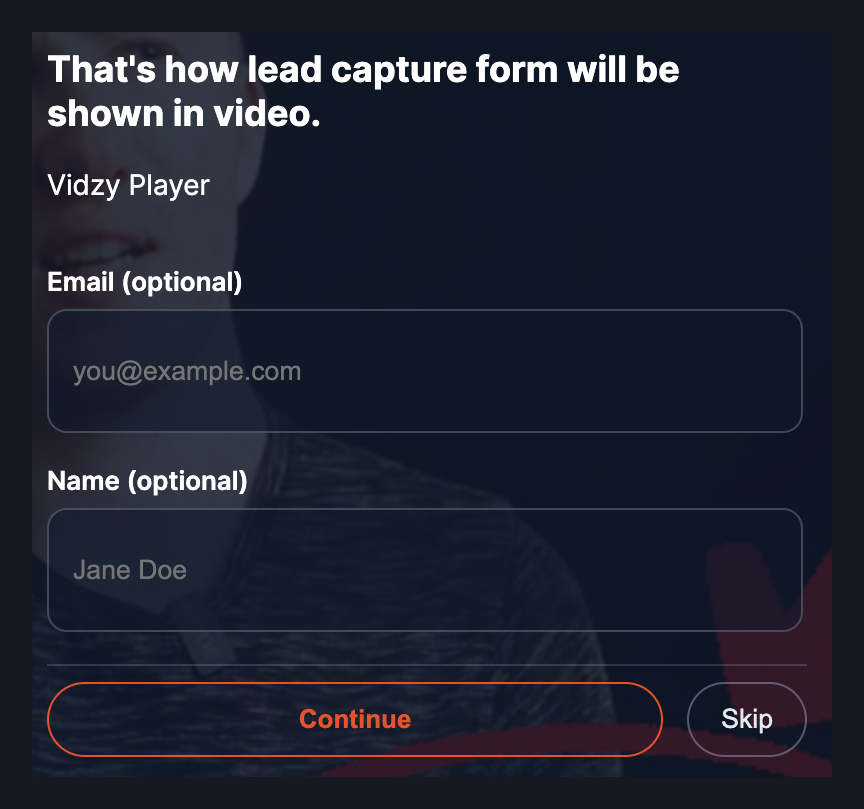
Check the gate mode as well as the requested information. Vidzy supports required email gates and optional requests that viewers can skip. Choose the intended mode deliberately, then confirm it in the viewer-facing test.
Test one complete capture path
Before sending campaign traffic, use an address controlled by your team to test the configured experience. Treat the following as checks to perform, not promises that every setup behaves identically:
- Open the actual page. Review the video and surrounding offer together, rather than checking only the configuration screen.
- Reach the email request. Confirm that the observed experience matches what you intended to show.
- Make a test submission. Note what happens next and whether the viewer receives a clear indication of the result.
- Check capture and export. Find the test email in Leads, then verify it in a CSV export. Inspect the actual file rather than assuming which columns it includes.
- Complete the handoff. Have the responsible teammate carry out the promised next step using the team’s chosen process.
If something fails, record the page, video and test conditions so the issue can be investigated. A successful-looking form screen is not a substitute for checking the captured address and the promised follow-up.
Find the relevant leads and choose an export
In the Leads dashboard, search by email, name, phone or custom field. You can also filter by video and date, or by the presence of a phone or custom-field value. Start with the campaign you are reviewing, then narrow the list to the records needed for the handoff.
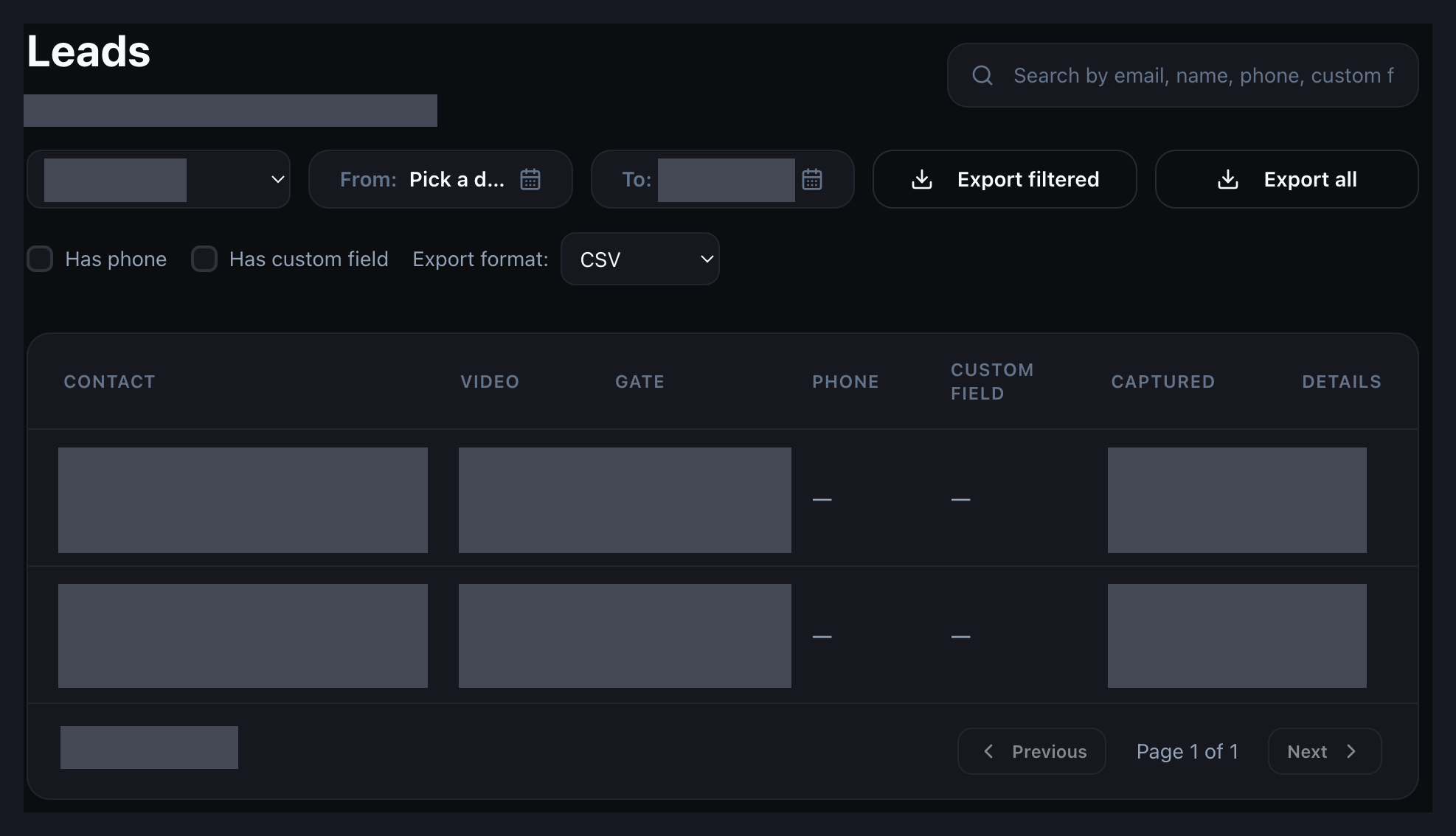
Use Export filtered when the current selection is the set your team needs. Use Export all when you intend to review the complete set. Check the CSV before handing it over, especially when a teammate will work from the file without seeing the original dashboard filters.
Review exported emails before handing them over
Vidzy’s captured-email export is the starting point for this check. The review process below is work for your team; it does not describe built-in cleansing, qualification or lead-management automation.
Keep the original export intact while reviewing a working copy. Identify your own test submissions, check for repeated addresses and decide how the team will handle them. A repeated address might belong to a person who made more than one request, so do not automatically discard the context of a later request.
Attach the campaign note to the handoff. Where the source information does not establish which offer a person requested, investigate rather than guessing. Do not manufacture missing video associations, timestamps or contact details.
Before contacting anyone, have the responsible team review the stated purpose and applicable communication requirements. Keep access to exported files limited to the people who need them, and follow your organization’s data-handling policies.
Keep capture, fulfillment and qualification separate
Use different questions for different responsibilities:
- Capture: Was the submitted email recorded and recoverable?
- Fulfillment: Did the viewer receive the resource or response they requested?
- Qualification: Is there additional evidence that this person is a fit for the next business conversation?
Vidzy provides opt-in tracking, but a recorded opt-in should not be treated as proof of sales readiness. Nor should a tracking count be assumed to represent unique people without checking its definition. Keep the team’s fulfillment and qualification records separate from the capture signal.
In the workshop example, sending the checklist completes the immediate promise. A later request to discuss a launch project is a different action. Recording those separately makes it easier to see which work has actually happened.
Use a simple handoff worksheet
Keep this worksheet in your team’s existing working document. These are suggested process fields, not fields claimed to exist in Vidzy.
| Item | What to record |
|---|---|
| Campaign context | The video, page and offer the team is working with. |
| Capture test | Who tested the experience, when, and whether the test email was recovered. |
| Export review | Who reviewed the working copy and how test or repeated submissions were handled. |
| Next-step owner | The person responsible for fulfilling the viewer’s request. |
| Completion evidence | What confirms that the promised resource or response was provided. |
Start with one video and one clear offer. Explore Vidzy for timed email opt-ins, lead gates, opt-in tracking and captured-email export, then test the handoff your team will perform after capture. The useful result is a process someone can follow, not simply a growing list of addresses.